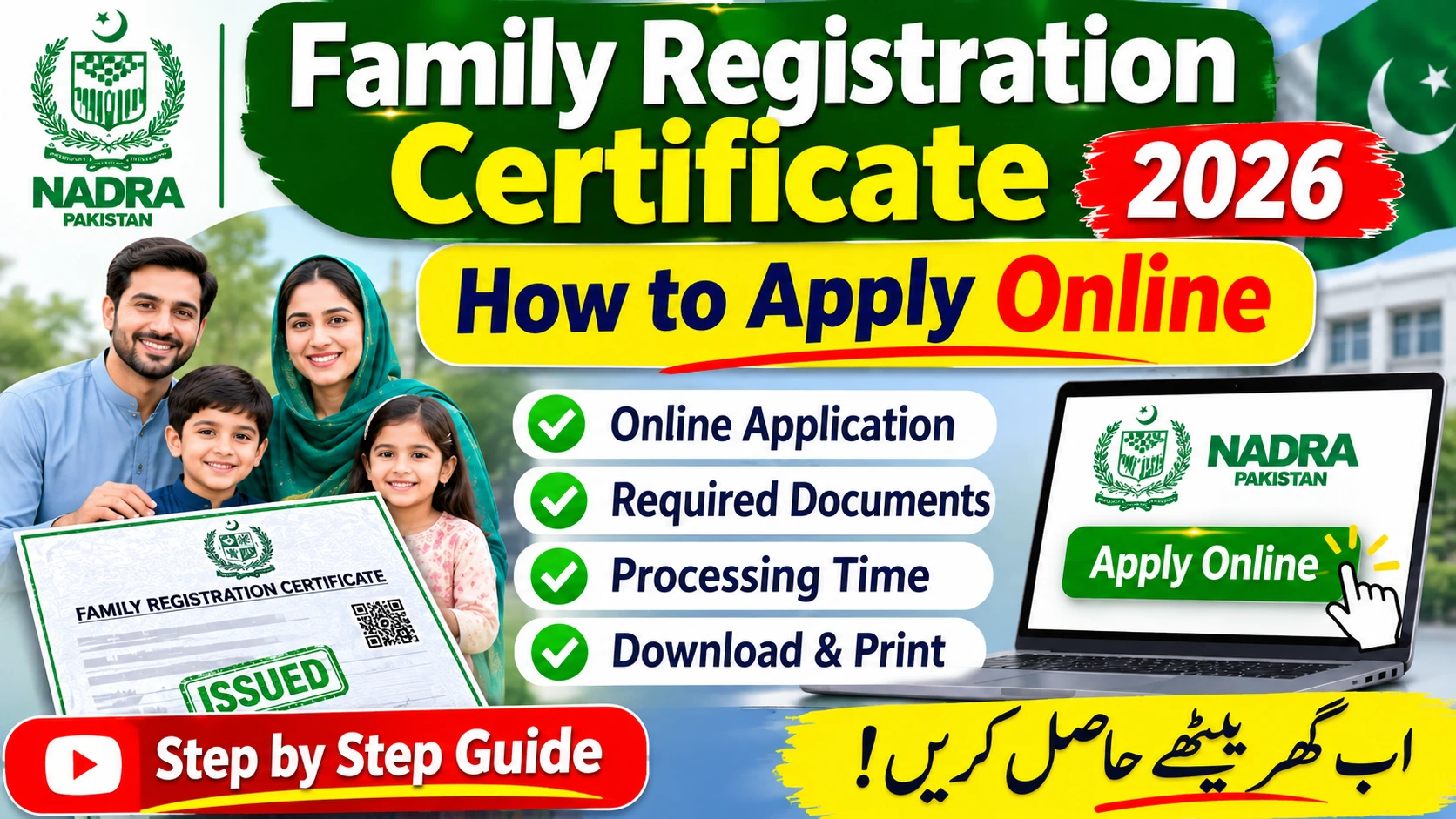
Family Registration Certificate 2026 – How to Apply Online
What Is Family Registration Certificate (FRC): Family Registration Certificate (FRC) is a very important and crucial document from NADRA. It shows your family data which is held by NADRA and you may require to produce it for one of the reasons like Visa, Immigration etc.
If you are a Pakistani national, FRC application can be made online in online mode, using the official ‘Pak Identity’ service of NADRA. Make sure that the identity documents and family relationships of your family members are correctly documented before initiating the process. How do I apply?
Family Registration Certificate – Direct Answer
Simply go to the official NADRA portal and select the Family Registration Certificate tab. You can visit the Pak Identity app service link or the official Pak Identity portal.
Here’s a friendly guide to help you through the process:
- First, open up a Pak Identity account or log in to it.
- Next, choose the Family Registration Certificate service and select the appropriate family type for you.
- Please take a moment to verify the family information listed in the application.
- Any discrepancies can be rectified under NADRA process.
- When it’s all ready, pay the fee, and complete your application.
- Simply follow the guide in the app to get your certificate.
Remember, what you see here is for reference only. Your screens, payment options, and requirements may be somewhat different. Follow the directions of NADRA and you’ll be good!
What Is a Family Registration Certificate?
An FRC is the primary official document that has details of your family’s makeup as provided by NADRA. It is not the same as your own CNIC, the B-Form of your child, or a marriage certificate, all of which serve a specific purpose.
An FRC can be acquired for a family using, as per NADRA:
- This displays your family relations you have from your delivery including your parents and brothers and sisters as NADRA has documented them.
- By Marriage: These will be your spouse and children according to Nadra records.
- This refers to your guardian/parent/adopted family.
- This is both your birth and married-family mixes.
Please note that the information presented will be based on the registered record and category you choose. A FRC is not a replacement for a birth certificate, marriage certificate or other documents when an institution requires a specific record.
Who Is Eligible to Apply for an FRC?
NADRA’s guidelines will ensure your family members are registered and possess their crucial 13 digit ID numbers. For any of your family members who are not registered i.e. the deceased in some specific cases, NADRA has the right procedures for that, so rest assure.
A valid ID number that is registered to you like CNIC, CRC, Juvenile Card, NICOP, or Pakistan Origin Card (POC) — which may vary depending on your circumstances.
Before diving into your application, let’s check a few things:
- Ensure that your data correct to synchronize with your NADRA id certificate.
- Verify that your husband or wife and children are properly intertwined, if this applies.
- Make sure your parents and siblings have the expected attendances for an FRC by birth.
- Make sure that the family section you have selected meets the needs of your application.
Don’t assume, just because a relative doesn’t show up, that the online system will add them. It may be necessary to edit the family record to add the missing relative.
Also Check: Domicile Certificate Online Pakistan 2026 – Complete Guide
How to Apply for a Family Registration Certificate Online?
No worries. As we tell you this, you will get an idea of how to apply for FRC through NADRA online service in a more comfortable manner. Easy FRC application submission through NADRA online service:
Step 1 – Visit the Official Pak Identity Portal
- Ask in the first place head to https://id.nadra.gov.pk/ you visit all the way to NADRA identity services.
- NADRA FRC details The entire details of the NADRA FRC page is given below!
- Exercise caution and avoid clicking through to sponsored search results or unofficial websites that seek to emulate the government websites.
Step 2 – Sign In or Create an Account
- Sign me in! Just use the steps the portal is showing you now to register or login.
- Enter your details carefully and do any identity checks that are required.
- Have your registered email address or phone with you in case of verification request.
- Do not reveal your password or single use verification code to anyone.
Step 3 – Select the FRC Service
Secondly, find the Family Registration Certificate in the search box. Select the appropriate category:
- By Birth
- By Marriage
- By Adoption
- By All-if relevant to your situation
Please read the descriptions on the screen. Knowing which is the correct option is a matter of the families you are wishing to chart.
Step 4- Check the Family Info
- Please double check the names, ID numbers, relationships, etc of your application.
- They must match what appears on your legal document(s).
- Check the issue with a missing family member.
- If you have a missing family member e.g. a spouse, a child or a parent in your record then have a check on their NADRA registration and family linkage, as FRC application cannot correct any incorrect data record.
- Do all additional requirements for: photos, supporting documents, and verification that appear on the application.
Step 5 – Pay the required fee & submit
- Before you click submit, please review the charge and payment details on this page!
- There are many different methods of payment available for UIN services from NADRA including debit or credit card, Raast and sometimes e-Sahulat, Easypaisa and Jazzcash.
- After submitting your payment, keep hold of your application or tracking reference and confirmation of your payment.
- Then follow the portal to retrieve your certificate when it’s ready. You’re all done!
Important Information About FRC Fees and Requirements
The table below summarizes the main points to check before applying.
| Information | Details |
|---|---|
| Issuing authority | NADRA |
| Application method | Official Pak Identity online service |
| Family categories | By Birth, By Marriage, By Adoption, and By All, as applicable |
| Identification requirement | Applicant’s 13-digit identification number |
| Supporting information | Accurate family details and any additional items requested |
| Fee | Check NADRA’s current official fee schedule |
| Processing time | Confirm the current FRC timeline before applying |
| Deadline | No general application deadline is stated in the cited FRC guidance |
| Official website | NADRA.gov.pk |
What Is the FRC Fee in 2026?
The fee schedule on NADRA shows various fees according to family category, and type of service option. Currently, the fee is shown as PKR 1,000 for an FRC if your entire family belongs to the same category, and PKR 2,000 for a combined certificate if all your family members span more than one category. Verify the fees and options with NADRA before you pay.
Check the up-to-date NADRA fees table at the official NADRA site. Don’t rely on outdated screenshots or posts from others, they may not have the most recent costs.
What Documents or Information May Be Needed?
NADRA detects your ID# 13-digit number as the main FRC demand. We’ll ensure you all are prepared by keeping in mind the following details:
- CNIC, NICOP, POC, CRC, or other designated ID information.
- Relevant identification details for your family members.
- Correct spelling of names. Mention of family relations where relevant.
- Marriage or birth documents in case you need them to help clarify anything.
- Any supporting documents specifically requested by NADRA.
Don’t forget, this is just a checklist to prepare you. You don’t have to upload all the documents that are listed in this section. Just upload what is in the requirements for your application! You are doing great!
Common Problems When Applying for an FRC
- You will be having some private family and identity information in your application of FRC. Please do apply through the official NADRA website or Pak Identity service.
- Never share your Password or OTP with anyone, even agents or people you know.
- Do not send the family data/ images of CNICs to other unidentified WA numbers.
- Additionally, avoid unaccredited agents who offer you guarantees of acceptance or quicker processing.
- Always check the web address before entering any personal information.
- Safe and sound with your receipts and references.
- Don’t forget to verify any fee updates and application procedures on NADRA’s official website.
Note: Sahulat Pak.com is an independent information portal and is not a NADRA office or government website. Visit the official GO for all kinds of applications, corrections, and Grievances.
Safety Tips for FRC Applicants
- If you’re doing an FRC application, it contains private family and identity information. Be sure to visit the official NADRA website or use the Pak Identity service.
- Never give your Password or OTP to anyone, including agents and even people you know.
- Don’t send family information or CNIC images to any unapproved WhatsApp numbers.
- Additionally, avoid unaccredited agents who say there’s assured acceptance or a quicker processing time.
- Verify web address before providing any personal information.
- Don’t let your receipts and application references fall into the wrong hands.
- Check any fee changes and application instructions on NADRA’s official website.
Note: Sahulat Pak.com is an autonomous information portal and not a NADRA office or government website. Be sure to visit the official GO for any applications, corrections and grievances.
Frequently Asked Questions
Can you apply for an FRC online in Pakistan?
Yes! It is a simple process and to apply online for your Family Registration Certificate just visit the official website of NADRA Pak Identity: id.nadra.gov.pk. You will find simple steps to apply for the service.
What is the FRC fee in Pakistan?
The list of fees according to the CDLS from NADRA displays that it charges PKR 1,000 for a single Family Composition and PKR 2,000 for a joint certificate. Confirm that you are aware of the Service Option, Category and Fee that applies to you on the fee page of the official website before you continue and pay.
Family Registration Certificate: What do you need?
You will have to have a valid 13-digit ID number. Make sure you have your family’s ID number close at hand, and prepare to provide additional information and documentation if NADRA asks for it.
How do I see the status of my FRC application?
Log on to the official portal of Pak Identity to see the status of your application or to get tracking details. You can also track down your application by using reference given to you at the time of registering your application.
Missing spouse or child from FRC?
Before you continue, double-check that all these relationship and identity records have already been filed with NADRA. If you need to add or fix any of the records, not a problem contact NADRA directly and they will help you fix it!
Is there an expiration date on FRC?
You may want to review the requirements of the organization requesting your certificate. Although a document may not have an expiration date, certain organizations may require a reissued certificate or an updated family report. Keep up the good work!
Conclusion
You can now apply online for a Family Registration Certificate in Pakistan by loggin on to the NADRA package Identity service. Select a family group, check your details, make the payment and record the program reference.
Handle missing Family data with NADRA NARK: If you see any manhas (suspicious gaps) or wrong family info in the certificate, then resolve these from NADRA NARK before you acquire your certificate. Fees, processing time, and application instructions can change and update, so let us verify official NADRA NARK before you submit your application.