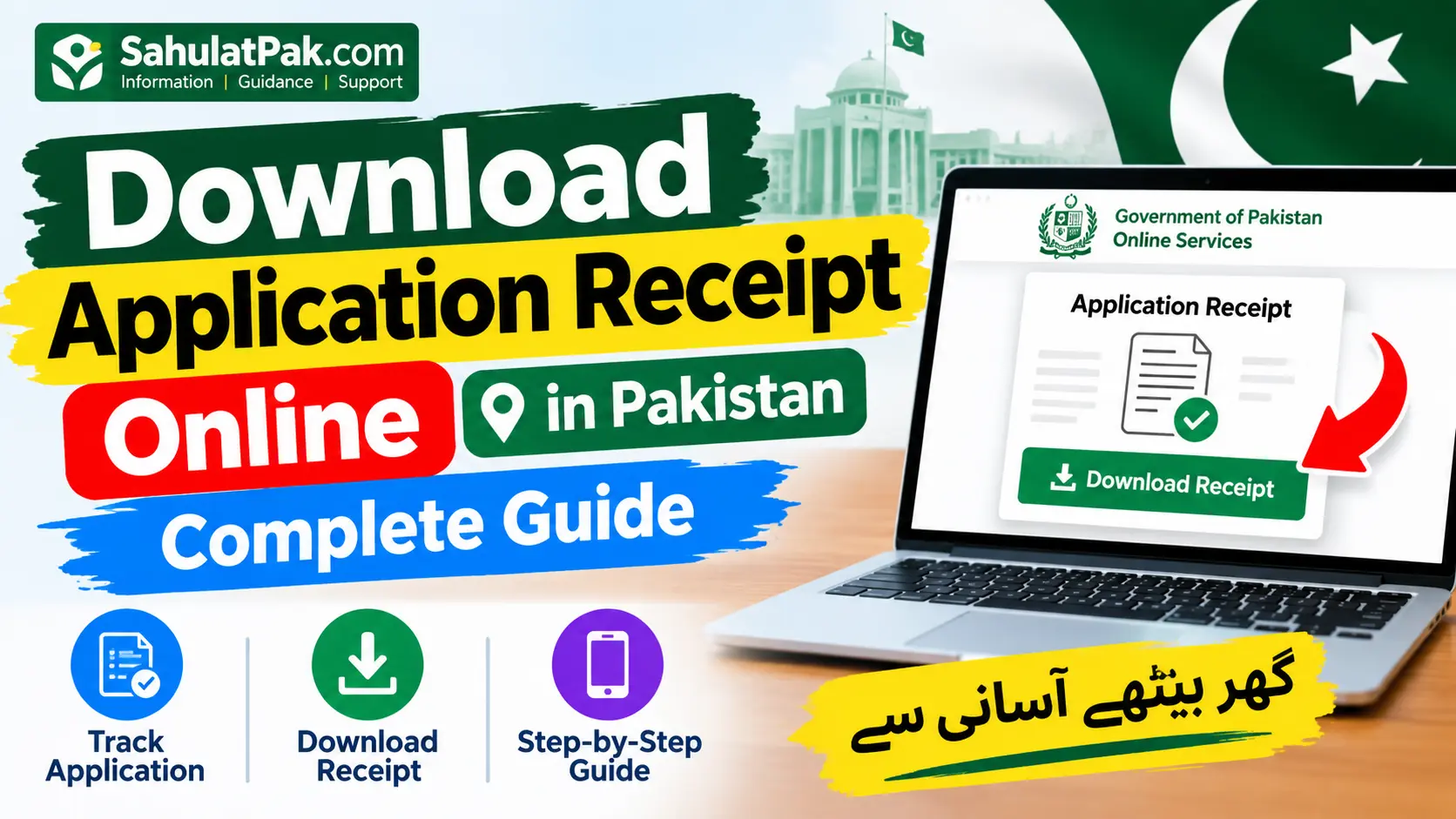
Download Application Receipt Online 2026 – Complete Guide
Download Application Receipt Online. When you apply online for a government job, scholarship, university admission, recruitment test, or any other kind of public service in Pakistan, hold on to your receipt.
And when you do, it will be your best friend: for it contains your application number, submission date, receipt number or payment reference all important pieces of information you may require later.
No stress! If you didn’t save the receipt or download it, there’s a chance you will find it on the official website you applied to. Every department, organization, university, or test service has their own method of retrieving these files. We’ll walk you through it!
Here in this guide, we’ll take you through the steps of how to download an app receipt online, the information you may require, how to resolve common problems, and how to secure your personal data.
Download Application Receipt Online — Direct Answer
You need to visit the portal where you submitted your application and find out in your account login and check in your application or submitted application list. Then select the application and find the download receipt, Print application, View application, or Application details in the below table.
No. If you are facing problems in locating the receipt, then there is nothing to worry about. Open your email id and SMS inbox, if the receipt has been sent, it will be there. Few portals provide an option to retrieve forms and few do not.
Keep in mind, no one single portal will work for all of Pakistan. Every application, admission for university, admission for a test-service slip, or a government scheme provides a different portal for it.
What Is an Online Application Receipt?
An application receipt is an electronic proof of you having submitted an application form or having completed a step in the application process. It might also be known as: acknowledgement receipt; submission confirmation; application form; payment receipt; application summary.
They Aren’t Always the Same: Let’s go through it:
- Application receipt: Indicates you have successfully submitted your application.
- Completed application form: Contains the details you provided.
- Receipt of fee payment: Demonstrates that you have paid the required fees.
- Tracking ID or acknowledgement: Will allow you to track your application.
- Roll number slip: Produces individual test or exam information (when it is generated separately).
- Don’t forget to download the correct document. A payment receipt alone may not confirm your application was submitted successfully and an application receipt is not a test admission slip.
Who Can Download an Application Receipt?
Similar could be the case if you’ve applied via an online portal if the organization offers it, you may be able to access a receipt.
Here are some common examples:
- If going through government recruitment sites.
- Testing-service candidates: Candidates listed on a testing or recruiting service roster.
- University students: When you are placing an admission, degree or transcript order.
- If you are applying for a scholarship offered by a company.
- When you are filling out forms for particular public services.
- Scheme applicants: Applying via an approved scheme portal.
Whether or not this is available is up to the organization and their system for applications. Some portals have the option for you to download your records, whereas other may provide this through email, SMS, or a tracking page.
Also Check: Online Application Status Check Pakistan 2026
How to Download Application Receipt Online in Pakistan?
Here’s a quick guide to getting your receipt. Note: menu names can change depending on which portal you are logged into.
Step 1 – Go To The Official Website
- First, go to the website from where you applied If you applied through any government department, university, or testing organization, always visit their provided link.
- For example, the Federal Public Service Commission (FPSC) introduced the online recruitment system of printing applications & printing tracking IDs.
- You can visit on their FPSC official site (Online recruitment system of FPSC).
- If a website cannot check receipts for other organizations, they say.
Step 2 – Sign In or Find Your Application
Certain portals may require you to insert:
- Your registered email address or username
- Your password
- Your CNIC number
- An application number or tracking ID
- Verification code as seen on the page
Give only the data that the validated portal is seeking. If the opportunity can be utilized for a general public application research, just carry on as they have explained.
Step 3 – Access your submitted application
- My Applications
- Application History
- Submitted Applications
- Application Status
- Job History
- Track Application
- Select the Right App
Check that you’re on track by reading the post title, department, project, admission program or the submission date. You are doing well!
Step 4: Save or print receipt
- When your receipt appears, select Download, Print, View Receipt, or Print Application.
- You may get a PDF file or page to print based on the portal.
- If you use a computer, print it and save it as a PDF if you want to keep a PDF version.
- Before you close the page, be sure it’s available and has all the information you need! You’re almost there!
Step 5: Save Your Record
- Download the file you obtained with this application to a folder that you can identify easily to your device, such as “application-receipt-2026.pdf”.
- Consider backing up in a secure location.
- Remember your application number, proof of payment, and any confirmation messages.
- Follow any directions until you’re ready to submit your application.
- In case, you cannot locate the download link don’t bother. Just contact the legitimate helpdesk or the recruiting office. That’s what!
Important Information and Requirements
There is no universal fee, deadline, or document requirement for downloading an application receipt. These details depend on the specific service.
| Information | Details |
|---|---|
| Service | Retrieval of an already submitted application receipt |
| Eligibility | Applicants whose records are available through the relevant system |
| Application method | Original portal, account dashboard, or official support channel |
| Possible requirements | CNIC, login details, application number, or tracking ID |
| Download format | PDF or printable webpage, depending on the portal |
| Fee | No universal receipt-download fee; check the relevant authority’s instructions |
| Deadline | Depends on the portal’s record-retention and access rules |
| Official website | The original application portal |
What Information Should You Keep Ready?
Let’s collect whatever information you have here, before you start searching for your receipt:
- CNIC or some other registration info if it is asking for it.
- Your application or tracking number.
- Your login email address or mobile number.
- Name of department or organization.
- Your job title, admission program or application category.
- Your fee payment reference(If applicable).
Just some friendly housekeeping advice on these up from the regular rules for each portal.
Also Read: Recover Lost Application Tracking Number Pakistan 2026 – Complete Guide
Common Problems When Downloading an Application Receipt
1. Application Not Found
First, make sure you’ve finished that last step. You’re not done until you have submitted, and you might have a saved draft that isn’t considered a submitted application. Confirm your application number and try the portal’s search or track feature, if it has one.
2. Lost your Password?
No problem! You can always use the “forgot password” feature on the official site and follow the steps to regain access. And be sure to keep your password and verification code to yourself!
3. No Download Button
Some of these portals have a print button not a download button. Receipts are sometimes available under application history or documents. If you cannot see any of those options please contact the relevant body.
4. PDF Won’t Open
Try to download the document once more then open it with a reliable PDF reader. If you’re still having trouble with the document, go to the portal again and try to generate a new one.
5. Missing Payment Confirmation
Check your bank, or your payment-service records, then check the transaction reference against what you entered in your application. If your payment hasn’t registered against your portal account, it’s worth getting in touch with the official payment or application support team, before another attempt.
Safety Tips for Downloading Receipts Online
- No sweat. Simply download an application receipt and it will have your exact details.
- Simply go to the a/c portal of the ncorporation.
- Don’t visit a website that requests for your unduly CINC information or passwords of your accounts.
- Also, don’t ever send OTPs, passwords, or banking PINs to someone who says they can access your receipt.
- Never pay an unlicensed agent for services that the CFAI provides free of charge.
- Store those receipts with personal information kept in a safe place.
- Contact the organization directly to confirm if you receive a request for payment.
Sahulat Pak.com is an independent information website, not a government department or agency that processes applications. Use only the official system to access your personal records.
Frequently Asked Questions
Whether can I go out find one receipt of application online for without one voting?
Can you! Depending on which portal you’re using, you might be able to track by tracking number or verification details, without logging in. Check the guide for the organization to see what your options are.
What is the process of getting a copy of my application receipt on CNIC?
You can search by CNIC but some portals may require a username or password, tracking ID or your application number. If you do not have your login details, you can search your receipt by CNIC.
What if I lose my application number?
You’ve got this! First, look through your email, SMSs, downloaded files, or account activity. And if you still come up dry, contact the authority on their support page, and they’ll be more than happy to help you.
Are the application receipt and the receipt of payment equal?
Think again! An application receipt is proof that you have applied, and a payment receipt is proof that you’ve paid. If you have both, save them for your files-they’re nice to have on hand.
Can you download an old application receipt?
It will depend on the portal of the organization and the duration they retain records. It is worth inquiring with the authority or retracing your application history to check if records beyond a certain period are available. They will advise.
Am I being billed when I download an app receipt?
There isn’t usually a set fee to download receipts from any Pakistani portals. Simply follow the steps given to download your receipt don’t pay anyone to have it!
Conclusion
As mentioned, you need to visit the website you applied to in order to be able to download your application receipt in Pakistan. Search your history, locate your application and you will see a download or print button next to it. If you can’t locate your application receipt then contact the application support team.
Be sure to retain your receipt, shipping label as well as a proof of payment. Systems vary but we have the lowdown straight from the horse’s mouth.