E-Challan Check Online Punjab 2026 – Check Traffic Challan

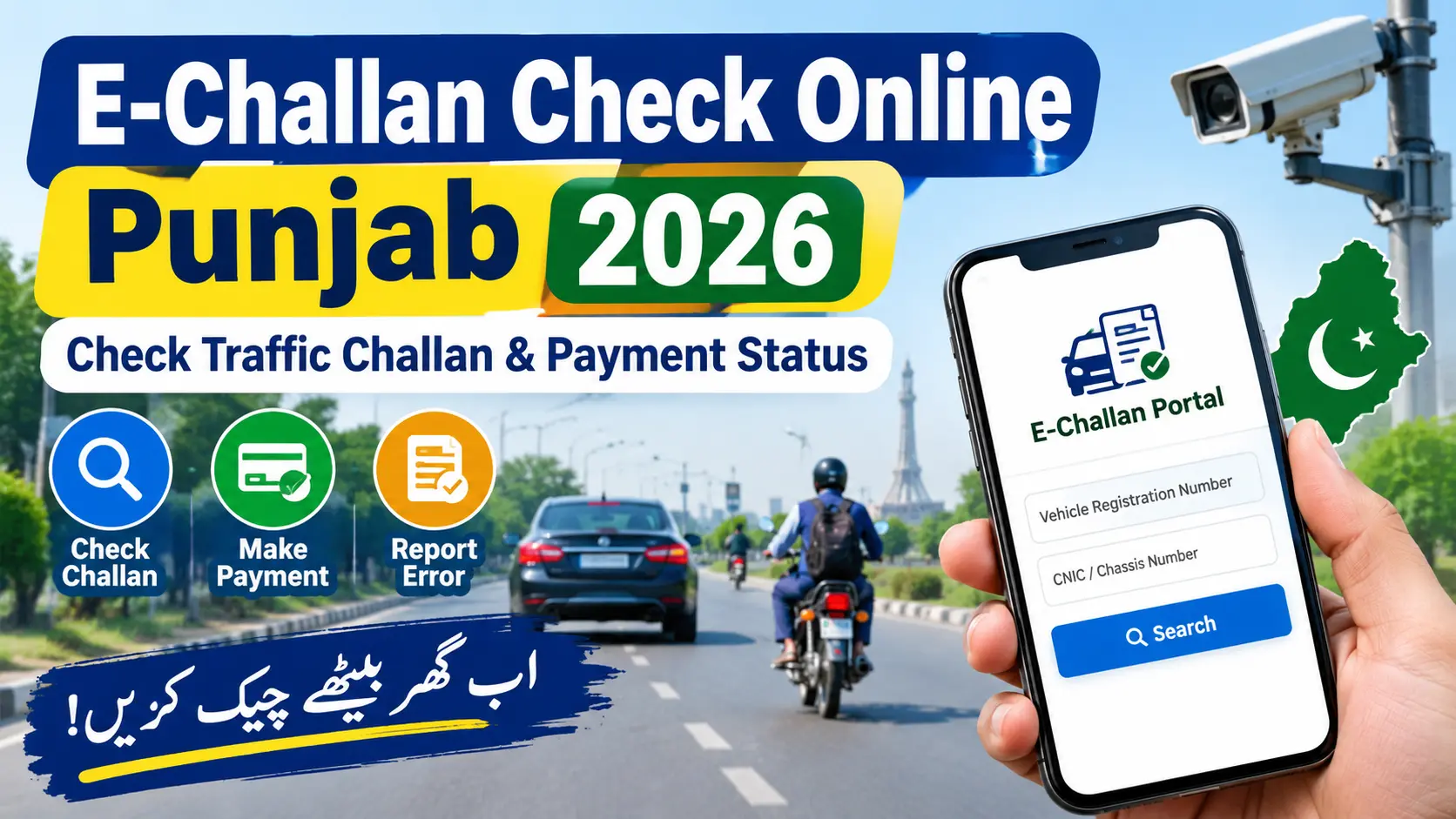
E-Challan Check Online Punjab 2026. Visit the e challan portal operated by Punjab Safe Cities Authority (PSCA). Find the e-challan service online on the dedicated Punjab Safe Cities Authority (PSCA) portal for traffic e-challan by vehicle registration number and CNIC and chassis number.
Don’t have to wait for the SMS to learn about a challan. Just visit our official portal and log in with your details and you will be able to see your record of payment in no time.
We are here to assist you with the process of e-challan and what information you will need for your tolling e-challan. If you wish to pay a verified fine or find another issue, we will tell you what to do. Sahulat Pak.com is an independent information platform.
E-Challan Check Online Punjab 2026 – Direct Answer
To check your challan online, just these following simple steps:
- Start by visiting the official portal of PSCA at echallan.psca.gop.pk.
- Just enter your vehicle registration number in the correct format.
- You will also have to put the owner’s number of the national identification card of CNIC or chassis number of the vehicle.
- Just go ahead and search to find out if any e-challan records exist.
- Check the violation details. If there is a fine, pay it according to the instructions given.
- The search will bring up records of anything that matches the information you entered. If nothing is returned it doesn’t necessarily mean there is no violation. Recheck the info you entered and try the search again.
What Is an E-Challan in Punjab?
An e-challan is just an electronic form of notice issued to you for a traffic violation detected by a traffic enforcement camera. In Punjab, the Safe Cities Authority issues e-challans through this automated system, which uses this advanced surveillance technology including automatic number plate recognition to record specific traffic violations.
If you get a traffic challan, it could be for an infraction, such as skipping a signal. Check the specific challan record to get an idea of the offence, evidence, and associated fine.
The online challan system allows you to check all of your communication details online, instead of referring to notice.
The Safe City e-challan is not the same as traffic fines you might have received otherwise through some other process. If you don’t see any record there, you can simply contact the appropriate authority of the traffic police to get more information.
Who Can Check an E-Challan Online?
Use the online checking tool to easily check your Safe City challan details of your vehicle. You will find it helpful if you:
- Own a Car/ Motorcycle or Registered Vehicle.
- See if a traffic fine’s been issued.
- Have to verify a pending challan before making payment.
- Got a traffic notice and need to verify information.
- Think there could be a wrong challan and need to investigate.
- The portal even has a search option where you have to enter vehicle identification information for the insurance. Therefore, there is no need to worry if you do not have the details with you.
- But keep in mind that simply because the vehicle is registered, it does not necessarily have an e-challan. If it exists, the search will show the list of the vehicle.
Also Check: Pakistan Online Services 2026 – Useful Official Portals
How to Check E-Challan Check Online Punjab 2026?
Follow this step-by-step process to search for your traffic challan.
Step 1 — Visit the Official Website
- Open the official PSCA E-Challan Portal.
- Absolutely! Let’s go through each one step-by-step to ensure you get everything squared away.
- First, make sure the website URL is entered correctly before submitting your personal details.
- You want to steer clear of any fake sites not managed by the legit authority.
Step 2 – Fill in Your Vehicle Number
- Take a moment and enter your vehicle registration number in the same way you’re prompted to by the portal.
- Double-check all those letters, numbers and the format before proceeding.
- If your vehicle number has a hyphen or space on it, make sure you use the accepted format on this site.
Step 3 – Provide your CNIC OR Chassis Number
- Then, you will be asked to provide the owner’s CNIC number or the chassis number of the vehicle.
- Fill in this information accurately.
- Stay on information associated with your automobile, and never ever share it with any kind of site.
Step 4- Find your challan
- Click the search button and see the search that appears.
- Check the details including vehicle details and any violations.
- Ensure it matches your vehicle before proceeding.
Step 5 – Save the Details and Arrange Payment
- Save the challan details with you. If you’re making a fine payment, proceed with the defined payment process, and do save the payment receipt.
- Pay with ePay Punjab using your Payment Slip ID (PSID) Just follow the updated guidelines of the official portal of ePay Punjab, and you are good to go!
Important Information About Punjab E-Challan
The following table summarizes the main details readers should know.
| Information | Details |
|---|---|
| Service | Electronic traffic challan checking |
| Responsible authority | Punjab Safe Cities Authority (PSCA) |
| Official checking portal | echallan.psca.gop.pk |
| Information required | Vehicle registration number and CNIC or chassis number, as requested |
| Payment method | Follow official ePay Punjab/PSID instructions |
| Checking fee | No separate portal checking fee is stated on the official search page |
| Payment amount | Depends on the particular challan |
| Deadline | Check the individual challan and current official instructions |
| Mobile option | PSCA Public Safety App also supports e-challan services |
The official PSCA website and its Public Safety App provide information about the available services. Fees, payment instructions and other procedures should be checked through official channels because they can change.
How to Check E-Challan Through the Mobile App?
- If you are addicted to your phone, check out the PSCA Public Safety App.
- Access the Public Safety App from the www.psc.org website or from an app store.
- Here, I’ll show you how to get you up and running by installing the real app.
- Once you’re in, open the e-challan service.
- Simply provide vehicle information and identification when prompted.
- You can simply go through the record and follow the instructions for any further steps.
It also provides other public safety and complaint-related benefits. Make sure you download the authentic app, not a counterfeit.
Common E-Challan Checking Problems and Solutions
1. Website Not Launching
It appears the portal is currently experiencing some downtime, or your internet connection is feeling a little slow at the moment.
Solution: Sometimes, you just need to refresh the connection and try after some time. Alternatively, you can visit the official PSCA website and reach the e-challan portal.
2. No Challan Record Seems to Exist
Nothing appears when you search or otherwise see the message ‘No results’ on the screen? It is because the details provided are not correct, or the system does not have your challan details.
Help: cross verify your registration number and CNIC or chassis number along with authorities. Get a notice if you’ve received it and check that there are no errors in the details provided. If the problem persists, contact the concerned authority.
3. Incorrect Vehicle Details
You may occasionally notice a record that doesn’t appear to be associated with your vehicle.
Solution: Do not pay anything for the time being. Please recheck the registration details and other proofs which you are having. If you find the challan is incorrect, then proceed and use the review / complaint method.
4. The Payment Has Not Updated
This payment you have already done may not appear in the online statement immediately.
Answer: Have your receipt for the transaction and your PSID reference ready. Recheck your transaction sometime later and if still all your transactions are not acknowledged then contact your payment service/authority. Remember to check your transaction before you make the payment again.
5. You Are Unable to Locate the Proper Payment Option
The method of payments is sometimes dictated by the system and the duration of challan.
Solution: Please check the above-given verified portal or ePay Punjab login instructions. Do not send money to any individual bank account or any fake agent.
How to Report an Incorrect E-Challan?
If you feel you’ve been issued a challan for the wrong vehicle or have observed a mistake, spend a few seconds to check all the detail before you make the payment.
The PSCA has simplified the process by providing an online e-challan review service. You can initiate a review request and upload the relevant documentation directly on their portal.
Here’s what you should do:
- First, open the official e-challan portal.
- Locate the received record of the acomplaint filed.
- See if there’s an option to review or file a complaint.
- You should also include a reason and evidence.
- Please do remember to keep your reference or confirmation details and monitor your request online.
- Use the portal for the designated purpose. Don’t add an exaggerated file or pieces of evidence. Include supporting evidence such as vehicle information in the appropriate section and all images of documents required by the portal.
E-Challan Scam Warning
The Punjab Safe Cities Authority always strives to protect you from such fake messages of e-challan notifications.
It’s important to note that the PSCA’s official e-challan SMS message from 9915 and it never shares a link for banking details or any kind of pay. So for further confirmation you can visit the official portal for PSCA and make the payment from the official ePay Punjab process.
Here’s how to ensure you’re covered:
- Don’t click on any links sent to you by SMS or WhatsApp.
- Never disclose the banking PIN, password or OTP they are for your use only.
- Never give any untrained agent the money for you to clear the challan.
- Verify the record at the provided PSCA website.
- Keep your payment receipts until the transaction is completed.
- Report to the Police Emergency Helpline 15, press 6 option. Confirm the availability of this service through the helpline.
Frequently Asked Questions
How do I view my Punjab e-challan online?
Search e-challan online and view Punjab e-challan details at uffn.bookline.com.pk. Enter your vehicle registration number and your CNIC or chassis number in the online search form and click ‘search’.
Will the Punjab e-challan verification service be free of cost?
Great! The official portal has an online search tool and does not have a specific checking fee written on its search page. Just remember that fines (traffic or otherwise) are not included in the checking fee as separate fine.
Can you check a motorcycle e-challan online?
Of course, you can try it on the portal. Enter the motorcycle registration number and the requested owner or chassis. The outcome will depend on the available information in the database.
How do I pay my e-challan in Punjab?
After reviewing your challan, follow the prescribed payment method. You can pay on the PSCA system via ePay Punjab with your PSID. Remember to have your payment receipt with you!
What do you do if your e-challan is not right?
In case of anything odd, go back to the record and make use of the official e-challan review service if provided. Fill in the relevant documentation and wait for the government to respond.
Is it safe to click the link in e-challan SMS?
Be alert and don’t fall for it. PSCA has issued a scam alert over fake e-challan messages with malicious links. If you receive any e-challan message, verify it from the official portal before you make payment.
Conclusion
Checking your e-challan in Punjab is straightforward and can be done using the on-line PSCA portal. Simply input your vehicles details accurately and spend a little bit of time to ensure you select the correct record, pay through the approved method and retain your receipt.
If you believe there is a mistake on the challan, you should submit an appeal using the right procedures instead of just submitting an unverified demand. Any dispute or technical issue, call the Punjab Safe Cities Authority.
Sahulat Pak.com has provided this guid for informational purpose only, we are not affiliated with PSCA or any department of Punjab Government.