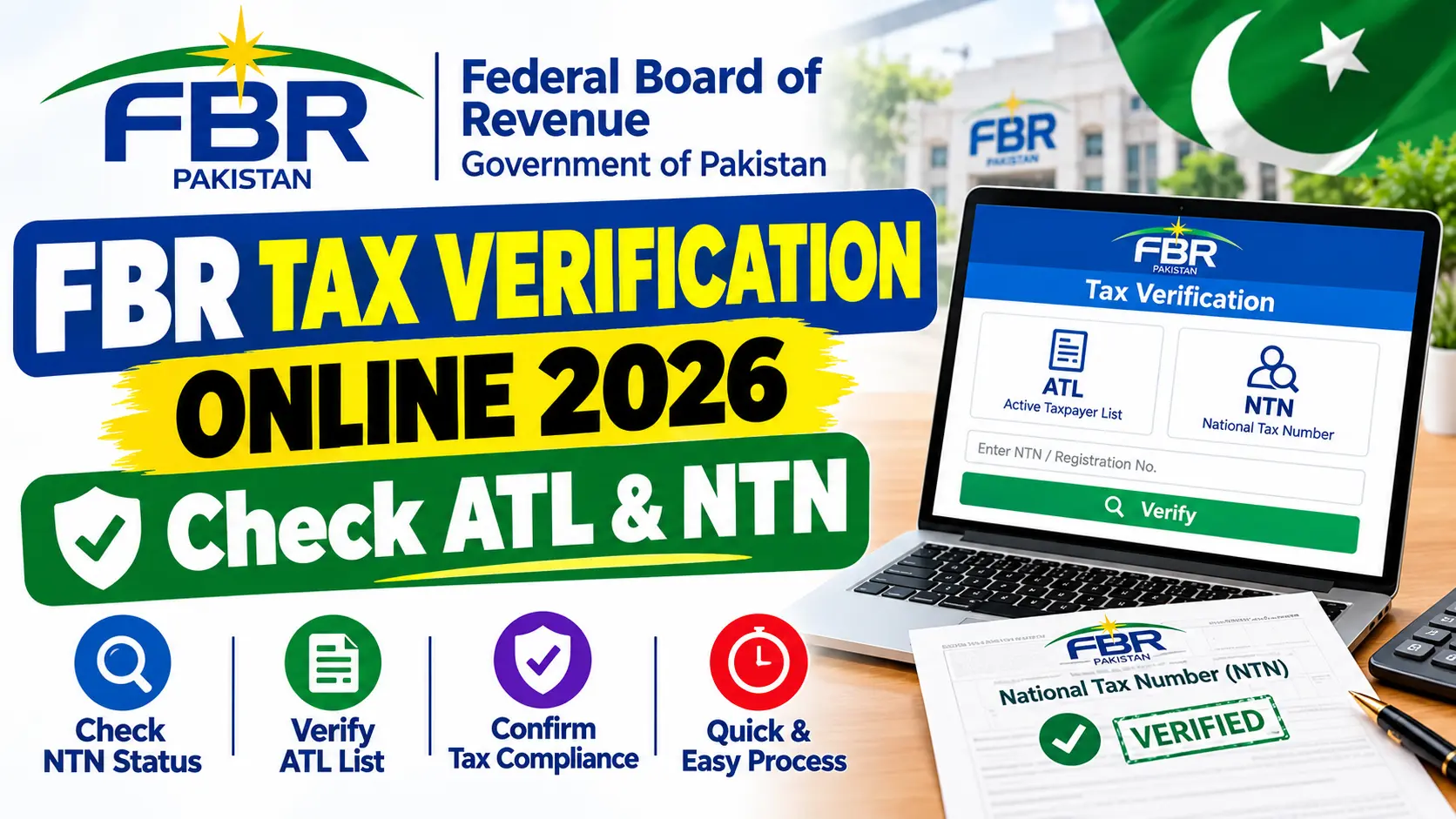
FBR Tax Verification Online 2026 – Check ATL & NTN
FBR Tax Verification Online 2026. If you are in Pakistan and you want to access any information related to the FBR (federal board of revenue). Tax verification and want to verify tax through (federal tax) FBR tax verification online, then this is the platform for you.
To easily check your Active Taxpayer List (ATL) (Active Taxpayer List (ATL) ), taxpayer verification services, Taxpayer verification services, Check some tax documents, or you can also log in to the official IRIS portal.
Determine the right process according to what you want to verify. To just verify that you are an active income tax filer. Use the formal ATL verification service. A Tax Payment, Registration confirmation or notice to verify? Just select the service on the FBR online verification portal that applies to you.
In this guide, we will take you through the options, the information you will require, most common problems, and how to avoid fake tax verification websites.
FBR Tax Verification Online 2026 – Direct Answer
We begin your introduction to the FBR with their main website, fbr.gov.pk, and the IRIS online portal. All of the details for online verification, such as the Active Taxpayer List (Income Tax), Taxpayer Profile Inquiry, Computerized Payment Receipt (CPR) verification, and much more can be found here.
To verify you’re an active income tax market, simply do the following:
- Open fbr website FBR and open IRIS portal.
- Choose Active Taxpayer List (Income Tax) option from the online verifications list.
- Choose the identity form that you like most others, that’s like CNIC or NTN.
- Provide the data and pass the verification challenge.
- Send the form and view the results.
- You can also get instructions from FBR to check your ATL status through SMS. If you are checking for yourself, Association of persons (AOP) or for a company there is a way for all.
Never forget: your existence on the Active Taxpayer List is not automatic after being registered with FBR.
What Is FBR Tax Verification?
If you want to see if someone’s on the tax regime, the FBR has you covered.
You could also use these services for submitting tax returns, conducting financial transactions, preparing business documents, property matters, or any other time that you require information about a taxpayer. Here’s a quick summary of what you can do:
- You can quickly verify whether the taxpayer appears on the corresponding income tax list.
- You access to the pertinent taxpayer profile inquiry service.
- Tax Number Check: Want to ensure if their tax registration info is correct? With this tool you will be able to do that.
- You may verify a Computerized Payment Receipt (CPR) associated with a tax payment.
- You can verify FBR any notices and orders issued by FBR using the appropriate service.
Another service is not a true test of this service. An alcohol test may not tell that all of your tax returns have been filed correctly, or that no tax liability exists. Make sure you select the right service for you!
Who Can Use FBR Online Verification?
FBR verification services are invaluable for you, whether you are: An individual Salaried Freelancer Business owner Company or another registered taxpayer. Here’s what you might be after:
- Individuals may be asked for your CNIC or other government-approved ID.
- You might need your NTN or registration info ready for businesses and AOPs.
- In case you want to look up a tax payment, you’ll require information from your CPR or a record of a payment.
- For verification details, simply refer to the information provided by the verification service.
Note, there’s not a one-size-fits-all test for any of these verification services. Looking up a general public taxpayer-status record isn’t the same as creating an FBR account, submitting a return, or looking at someone else’s private tax records. When in doubt, you can also visit the official FBR website before sharing your personal information.
Also Check: FBR NTN Check Online 2026 – Verify Your NTN
How to Check FBR Tax Verification Online?
Click below to proceed to the steps, and check your tax qualification or for using the relevant check service.
Step 1 – Access the original FBR Portal
- To begin with, visit the FBR official site or you may directly go to IRIS 2.0.
- You will search the section of Online Verifications.
- Remember, do not fall for sponsored links or websites which seem to be a government portal but are not.
Step 2 – Select the Correct Verification Service
Next, let’s choose the right service for your needs:
- ATL (Income Tax): This is to verify your active income tax taxpayer position.
- For search on your taxpayer profile.
- A good choice to verify a computer-generated tax payment receipt.
- To verify any circulars or orders issued by the FBR.
- The fields and steps may change according to which service you choose.
Step 3- Fill in Your Details
- Now, you will choose your accepted ID type and content the data within the requested area.
- That could possibly be your CNIC, NTN, registration quantity, or cost reference info, and so on.
- Do not neglect to fill out any CAPTCHA or verify you might be requested to do onscreen.
- Do not submit your info within the website online feedback or to a stranger providing to verify your standing.
Step 4 – Check your answer
- After you’ve entered your details, read the result displayed on the official system.
- If you are in check for the ATL, check if your name is on the list of active tax payer.
- For other services, match the information with the document, registration or payment you are checking, and save a screen shot if you are unsure.
Alternative Method – Check ATL by SMS
You can also verify your Active Taxpayer List status through SMS using the formats provided by the FBR.
| Taxpayer type | SMS format | Send to |
|---|---|---|
| Individual | ATL [13-digit CNIC] | 9966 |
| Company or AOP | ATL [7-digit NTN] | 9966 |
The instructions for AJK checks are issued separately by FBR for AJK Taxpayer Checks, so follow it. The normal sms rates depend on the cell phone operator you use, so take note of that.
Also Read: Tax Status Check Online in Pakistan 2026 – FBR Guide
Important Information About FBR Verification
| Item | Details |
|---|---|
| Responsible authority | Federal Board of Revenue (FBR), Government of Pakistan |
| Main online portal | FBR.gov.pk |
| Tax system | IRIS 2.0 |
| ATL verification | Available online through FBR verification services |
| Alternative ATL method | SMS to 9966, following the applicable format |
| Documents required | Depends on the selected service |
| Verification fee | No general fee is stated here for checking ATL status; confirm any charges displayed by the official service |
| Deadlines and status updates | Check current FBR instructions and published lists |
This is FBR ATL download page and the list of income tax On October 9, 2026 when we checked for this piece, the list of income tax was last updated. Please note that this list is subject to change and you must be using the most recent list and not an older one.
What Is the Difference Between NTN and ATL?
An NTN (or National Tax Number) is your key for tax identification and registration. What does ATL stand for? The Active Taxpayer List. Having an NTN, however, doesn’t automatically put your name on the nation’s current ATL. If you get an employer, bank, or another institution request that you confirm your filer status, don’t just take your registration information at its word: Confirm where you’re listed.
Please note that a ‘taxpayer-status’ outcome doesn’t give you the whole story on your tax liabilities or the correctness of your returns, or whether or not you’ve met every tax obligation.
Common FBR Tax Verification Problems
1. CNIC or NTN Is Not Recognized
Make sure that you’ve chosen the correct ID type, and that you’ve inputted the number correctly. Use the format on the portal, and see if you need to include dashes.
If your details are still invalid, we recommend contacting FBR support rather than blindly guessing with random number. They are actually there to help!
2. Name Not Present on the ATL
Your status may need a little more verifying as it appears to be out of step with the published list, and may not yet reflect FBR’s current criteria. Make sure you’re referencing the income tax ATL, not the sales tax list.
If you have completed any tax-related task or procedure recently, don’t forget that status changes are not instant. If you found your record were not right, get a confirmation from FBR about your case.
3. The Website Is Not Opening
Try again later, make sure your internet connection is strong, or use a different browser. You can always access the service from the official FBR website.
Be safe, avoid sharing your CNIC on any non-official accounts or by downloading any non certified apps as a short cut.
4. Tax Payment Is Not Showing
Keep your payment receipt, CPR, PSID and transaction reference if there is one. Check the receipt from FBR of the service used and see if the payment is in order.
In case your payment is not confirmed, contact bank/ FBR/ support services through official support channels. Do not pay a second time just because the portal has not yet been updated.
5. You Are Unable to Confirm a Notice or Order
Access the Notices/Orders Verification service provided and ensure you follow its guidance. Get in touch with FBR through official channels if you find the document to be not genuine before responding to payment requests and providing further disclosures. We are here to assist you.
Safety and Scam Warning
Tips to keep in mind When using FBR verification services, you might come across tax-related data that contains sensitive personal or financial information.
- FBR domain, fbr.gov.pk and its associated verification services that ensure the safety of your data.
- Take a note from the “never share” rule and remind your citizens never to give their IRIS password or OTP to a person they are not familiar with. We all want to keep the PR’s info safe!
- Do not pay a shyster to get accepted to ATL on the spot or get you in. Go through the proper process.
- Be careful to provide you CNIC, NTN or/and payemts information in such websites that you don’t know.
- If you get surprise tax notices, check them on the relevant FBR service before paying.
- Keep your tax returns, Payment receipts and more safe. It’s a peace of mind for you!
The online guidance for verification from FBR is there to assist. The FBR official online sources are listed and you should avoid third party verification services. Well done!
Frequently Asked Questions
How can you verify your FBR tax status?
It’s that simple! Simply go to the FBR web site or IRIS portal. Select Active Taxpayer List (Income Tax), enter your ID details, and so on. And then submit to know the outcomes. You are able to do this!
Can you check your FBR filer status using your CNIC?
For sure! You can avail yourself of the entire official services of ATL verification using your CNIC. Send a short message by typing ATL then space then 13 digit CNIC to 9966 for instant results.
Is NTN the same as the filer status?
Almost. NTN is your tax ID, and ATL status is whether you’re on the Active Taxpayer List or not. NTN doesn’t mean you’re active.
Can FBR tax payment be checked online?
Yes, you can! IRIS has a CPR verification service, to verify if your CPR has been processed. Simply go to the required portal, follow the steps and remember to have your receipt and reference number at hand.
What if your name’s not in the ATL?
Hold on! Firstly, verify from latest official list, confirmed CNIC/NTN, and FBR requirements, if anything is not clear. If there’s a misperception, kindly get assistance from FBR without being helped by un-authorized agents to change your category.
What should you do if verification fails, how can you reach FBR?
The FBR helpline number is 051-111-772-772 or you can send them an email on helpline@fbr.gov.pk. They are available from Monday to Friday, 8:00 AM to 11:30 PM. Alternatively, you can also ask them through the online query service of the FBR. They’re always there to help you!
Conclusion
FBR Tax Verification Online is the solution for you, the Pakistani taxpayers, to verify your active taxpayer status and avail other tax verification services. So, visit the FBR official website or IRIS portal first, select the appropriate service and put in your details properly.
Just log in to check the latest statement and contact FBR. Note: Sahulat Pak.com is only giving you this guide for your info and is not an official government department.